
Connect Claude to iManage Without Losing Control of Client Files
Understand how the listed iManage Work connector can support precedent searches and matter-document retrieval while respecting confidential file access.
Save or follow this source
Add AdvocateRahulDev.com to Google Preferred Sources or open this page in your preferred AI tool.
- Locate relevant precedents and matter files
- Respect document and workspace permissions
- Check source versions before legal reuse
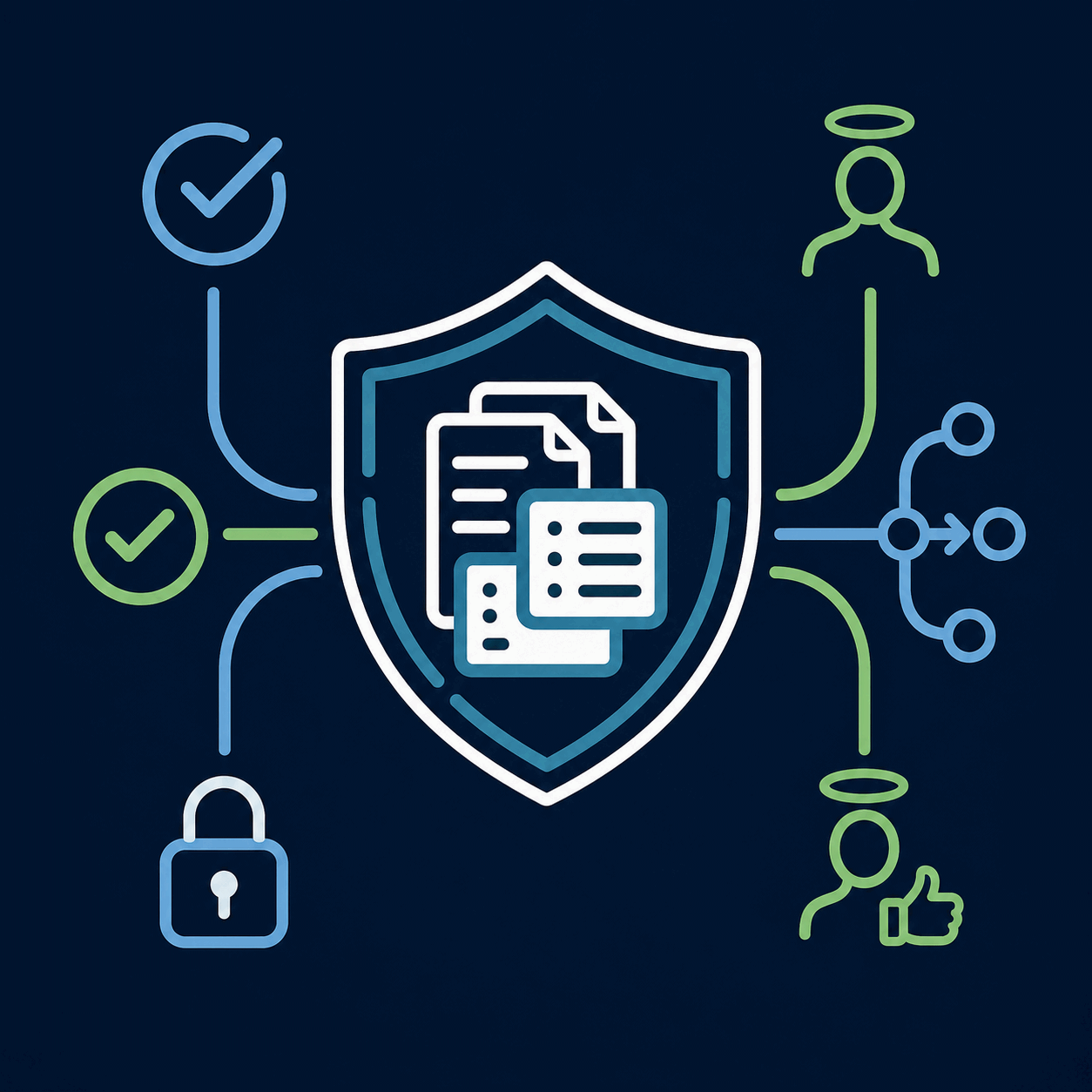
Can Your Lawyers Find Approved Matter Documents Faster?
Start with a real document-discovery problem and the permissions required to answer it, not a broad request to expose your entire repository.
Review Our iManage and Claude PlanWhat Would This Connection Help You Check?
Understand how the listed iManage Work connector can support precedent searches and matter-document retrieval while respecting confidential file access. The central decision is assess existing imanage work mcp connector for legal matter and precedent retrieval. This is an independent research guide, not a product certification, official partnership or completed customer deployment.
A Careful Integration Review Starts Here
Confirm the capability
Inspect the named provider listing, documented tools, region and account prerequisites.
Set access boundaries
Identify permitted source records, user roles, relevant restrictions and actions requiring approval.
Verify legal outputs
Compare the response with original sources, record missing evidence and assign human review.
Check the Connector’s Search and Access Boundaries
Test named workspaces, document versions and two permission profiles before considering a wider rollout.
Review Our iManage and Claude PlanTechnology and Legal Practice: An Overview
This general approved video is supplementary. The product-specific research below explains exact integration limits and source checks.
Claude and iManage Integration: Legal Documents and Matter Access: Detailed Research and Implementation Decisions
Author: Dr. Rahul Dev: PhD Data Scientist, Technology Law & Patent Attorney, and AI Educator with 20+ years advising global CEOs and CXOs on tech, business, and legal innovation. Author profile · Contact
This independent research guide focuses on assess existing imanage work mcp connector for legal matter and precedent retrieval. It distinguishes provider-confirmed capabilities, recommended testing, professional responsibilities and functions not established by the cited documentation. It is not a claim of certification, affiliation, tested performance, or service delivery. Source availability and product configurations should be rechecked before implementation.
Confirm the precise iManage Work connector
Anthropic lists a named iManage Work connector made by iManage. The marketplace description identifies a Model Context Protocol connection to governed documents, with tools for searching, fetching, browsing workspaces and inspecting document profiles or versions. This is stronger evidence than a generic integration claim. The connector is not itself proof that an individual firm has licensed the required service, enabled it for every user or completed a security review. First identify the firm’s iManage environment, connector administrator, intended Claude workspace and available connector actions. Include the vendor support and privacy references in the working record. Source: Anthropic Marketplace — iManage Work connector.
Illustrative check: Example: a knowledge-management lead documents the official connector name, its listed search tools and the exact client-matter repository to be tested.
Define which matter and precedent questions matter
The highest-value starting tasks are often specific: find approved lease precedents, locate past filings from a named matter or compare document versions. A broad instruction to “use everything in our document management system” creates unnecessary risk and may retrieve material that lacks context. Write a list of 10 realistic questions with the correct repository, document type, matter number and access class. Ensure the search is useful to a lawyer making a real decision, not merely a demo of natural-language responses. The legal team should distinguish finding a precedent from deciding that it is appropriate for reuse under different facts and current law. Source: Anthropic Marketplace — iManage Work connector.
Illustrative check: Example: search for an executed commercial lease precedent from a defined office and period, then verify the actual file, execution status and reuse restrictions.
Test document-level and workspace-level permissions
iManage environments often organize documents within workspaces, but the visibility of a workspace is not always equivalent to access to every file in it. The official connector describes permission-bound retrieval, which should be tested at multiple levels. Set up an approved user with access to a client matter, and another account with no access. Ask both the same source question. Examine returned document titles, snippets and metadata as well as full text. Test restricted ethical walls and file-level permissions where applicable. Check the behavior when users are removed from a matter or change teams. Never treat a successful response as permission proof without comparing it with source-system settings. Source: Claude Help Center — Use connectors to extend Claude’s capabilities.
Illustrative check: Example: the restricted user should receive no title, snippet or client detail from a barred matter even when the query includes its exact name.
Use document profiles and version history intentionally
The iManage connector lists tools to retrieve document profiles and versions. These are important for legal accuracy because the most recent draft may not be the effective agreement or a final approved precedent. Build the review around document identifiers, creation and modification history, the responsible lawyer, and a reliable basis for determining status. A generated summary should identify which version was read and whether attachments or appendices were considered. Avoid silently combining passages from old and new versions. When the source system presents unclear status information, require a document-owner decision before analysis is used externally. Source: Anthropic Marketplace — iManage Work connector.
Illustrative check: Example: a revised pleading has five versions; the lawyer approves the filed version as the reference and marks drafts as internal only.
Differentiate retrieval from automatic drafting
Claude can help locate and summarize documents retrieved from iManage, but drafting a new legal document introduces another set of requirements. A precedent may contain client-specific concessions, jurisdiction-dependent clauses or outdated standards. Set a clear boundary between retrieval, comparison and drafting. Before generated language is copied into a new agreement, the reviewer should check source provenance, professional confidentiality duties, the relevant matter and the legal context. Test whether citations or source links remain accessible after moving content out of the AI conversation into Word or another drafting system. Source: American Bar Association — Formal Opinion 512 (2024).
Illustrative check: Example: retrieve three precedent indemnity clauses, compare their conditions and exclusions, then ask a lawyer to choose rather than allowing the model to approve a clause.
Review the listed tools before assigning write permissions
The marketplace identifies a collection of iManage tools and labels the connector as capable of read and write activity. However, administrators must examine each specific tool rather than infer that every document operation is supported. Some listed actions retrieve metadata or content; others may be described differently by the underlying service. Record exact tool scopes, organization policies and approval requirements before extending access. If the evaluation only needs search and retrieval, prohibit unnecessary write actions. Create a documented escalation process for any action that could modify, create or transmit a legal file. A marketplace icon is no substitute for a tool-by-tool authorization review. Source: Anthropic Marketplace — iManage Work connector.
Illustrative check: Example: the first pilot permits search and version lookup but deliberately excludes document updates, external sharing and deletion.
Assess confidentiality and ethical-screen requirements
Matter repositories can contain privileged advice, personal information, trade secrets, employment records and highly sensitive transaction material. Before connecting an AI tool, examine client instructions, confidentiality commitments, applicable regulation and the firm’s AI usage policy. Use a small source collection with permission-controlled users to establish access behavior. Verify that documents cannot be surfaced through prompts that bypass intended matter boundaries. The SRA warns of confidentiality and accuracy failures in AI-supported legal work; ABA Formal Opinion 512 similarly calls attention to competence and client information. These are jurisdiction-specific professional sources and do not replace local legal analysis. Source: Solicitors Regulation Authority — Misuse of AI warning (17 August 2026).
Illustrative check: Example: a firm checks whether a litigation privilege folder is excluded for all but the approved case team, including assistants who can see the workspace name.
Make retrieval quality measurable
An acceptance test should compare retrieved files against known correct answers, not merely ask reviewers whether they like a summary. Include cases where the right document is missing, misfiled, mislabeled or stored in a related workspace. Measure whether the connector finds the right item; whether the cited text is from the expected version; whether the answer correctly states uncertainty; and whether unsupported claims are withheld. Keep a log of failures and user feedback. A low error count from a handful of examples is not a general performance guarantee, particularly when repositories change or users have different access rights. Source: Anthropic Marketplace — iManage Work connector.
Illustrative check: Example: evaluate ten approved precedent questions and record both retrieval correctness and whether the lawyer could verify the source without extra searching.
Compare native search with a connected AI experience
A conventional iManage search may already solve some tasks satisfactorily, especially when a document name, matter ID or author is known. A Claude connection may add value for complex natural-language discovery or summarization, but it also introduces review, data-governance and change-management responsibilities. Compare both approaches on representative tasks with the same source documents and access profiles. Distinguish search speed from reliable legal reuse; a quick answer may be inferior if it omits a superseding document or hides uncertainty. If the narrow native search meets the requirement, there may be no reason to expand tool access. Source: Anthropic Marketplace — iManage Work connector.
Illustrative check: Example: compare locating a filed brief through native metadata search versus asking Claude for filings involving a specific procedural issue.
Set ownership for lifecycle and access changes
Connector launch is not the final governance event. Document owners add and archive files, users change matters and iManage may change its connector tools or access model. Establish a review owner for connector settings, permission tests, failed retrievals and client restrictions. Require a sign-off when enabling additional actions or broadening the data scope. Maintain the dates of the product documentation relied on and rerun representative tests after material updates. A suitable outcome may be a narrow pilot, a delayed deployment or a decision to use existing document search rather than AI. The value of the evaluation lies in a traceable decision, not in promising adoption regardless of findings. Source: Claude Help Center — Use connectors to extend Claude’s capabilities.
Illustrative check: Example: the legal operations lead retests ethical-wall permissions whenever the repository’s groups or access controls are materially changed.
Questions to Resolve Before Proceeding
Is this an official integration or a custom connection?
The named provider connector is listed in the official Anthropic catalog; account access, enabled functions and local policy must still be checked.
Does a connector replace human legal review?
No. Permission checks and source-linked outputs support the workflow, while qualified professionals remain responsible for reviewing consequential work.
Can every user access every record?
No. Access depends on the original system’s permissions and the exact authentication arrangement; test those limits using approved accounts.
Are all actions documented and available?
Not necessarily. The provider listing describes a finite tool set. Do not assume unsupported write or workflow actions are enabled.
The provider documentation confirms listed connection paths, but does not prove that access, accuracy, suitability or regulatory compliance has been established in your organization. Review documented differences between vendor statements, local configuration, proposed custom work and user-facing demonstrations.
Sources and Material Limitations
Vendor listing and product terms are time-sensitive. Professional rules and data rights depend on the relevant firm, matter and jurisdiction. The research examples above are hypothetical test plans, not verified test results. Readers should recheck current provider functionality, source licensing, permissions, contractual restrictions and professional responsibilities before deployment.
- Anthropic Marketplace — iManage Work connector — Document/workspace search and retrieval tool catalog.
- Claude Help Center — Use connectors to extend Claude’s capabilities — Source-system permission inheritance; custom shared credentials require separate scrutiny.
- Anthropic — Legal solutions overview — Provider-described integration ecosystem; not a universal availability guarantee.
- American Bar Association — Formal Opinion 512 (2024) — U.S. Model Rules analysis; jurisdiction-specific applicability.
- Solicitors Regulation Authority — Misuse of AI warning (17 August 2026) — Professional oversight, inaccurate outputs, confidential information; England and Wales.
- Claude Help Center — Remote MCP custom connectors — Custom integrations, security and authorization considerations.
Related Research and Practical Next Steps
Use these links to understand the broader connector architecture, source-specific risks and existing evaluation pathways. Each page addresses a different buyer decision; none implies an official affiliation with the named product providers.
Plan a Careful iManage–Claude Evaluation
Bring your matter structure, user access model, document classes and source-verification requirements to an evidence-based discussion.
Review Our iManage and Claude PlanAbout Dr. Rahul Dev
Dr. Rahul Dev is a PhD Data Scientist, Technology Law and Patent Attorney, AI Educator, and international business advisor with more than 20 years of professional experience. His work spans artificial intelligence, emerging technology, intellectual property, digital growth, technical research, and business strategy. Read the author profile.